Real trade-by-trade order flow on your NinjaTrader 8 charts, read as it happens, not estimated or backfilled after the fact.
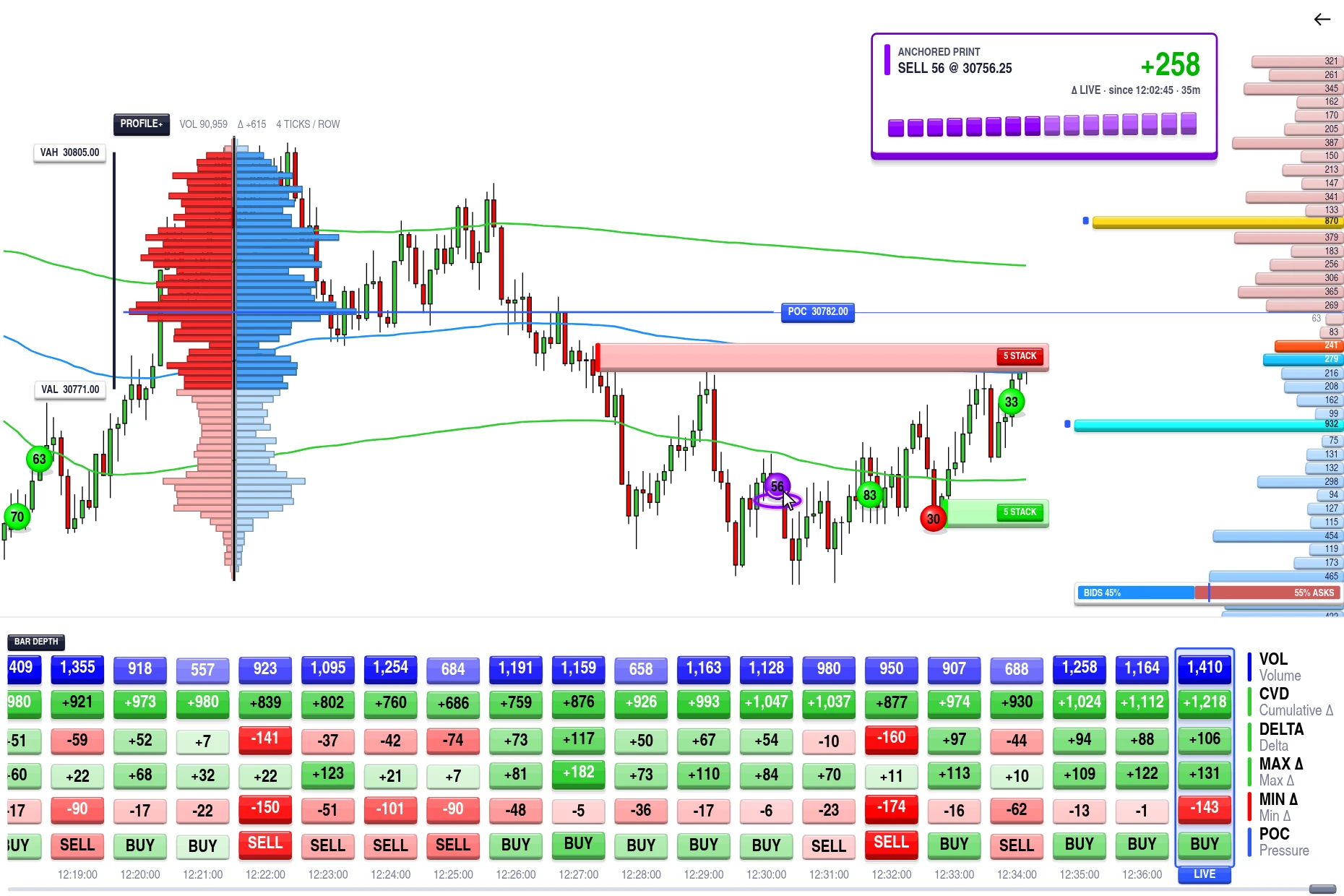
No separate installer, no complicated config file. If you can add an indicator in NinjaTrader, you can run the full suite.
Start your 7-day free trial, get instant email confirmation and your license key.
→Import the indicator package into NinjaTrader 8, then activate with your license key, tied to your machine ID.
→Add the indicators you want to your existing chart and start reading live order flow.
Every module is included in a single subscription: no individual purchases, no upsells. Big Print, Bar Depth, Profile+, and Stacked Imbalance read real trade and order-flow data, not a smoothed-out approximation. Market Depth puts the live order book beside price, and VWAP+ rounds out the suite with session-based price context.
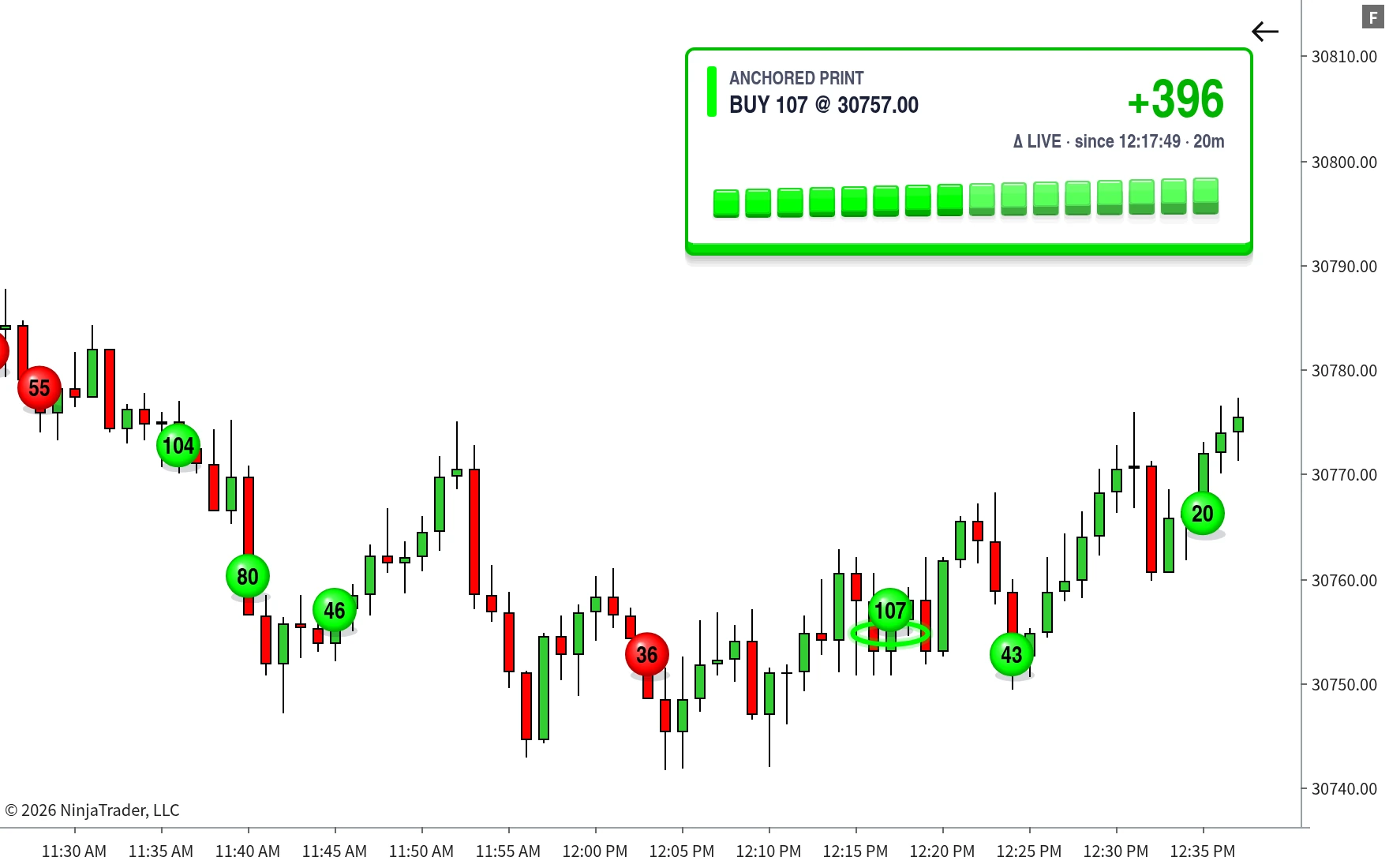
A real-time big-trade and order-flow-burst detector, mapped live at the exact price it happened, and with Tick Replay enabled, across your full chart history too.
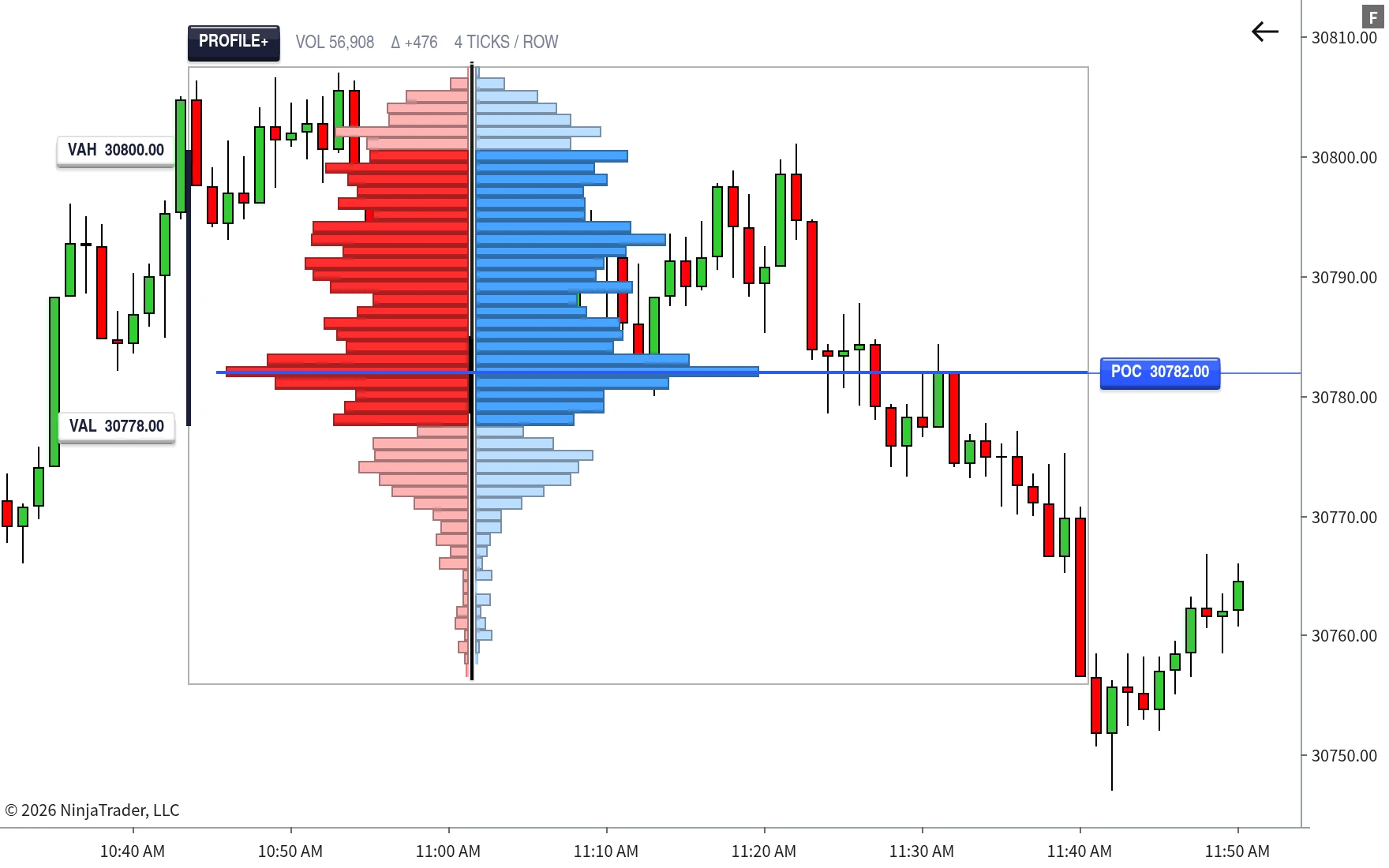
A full volume profile and a real-time bid/ask split, in one indicator, on a zone you draw yourself.
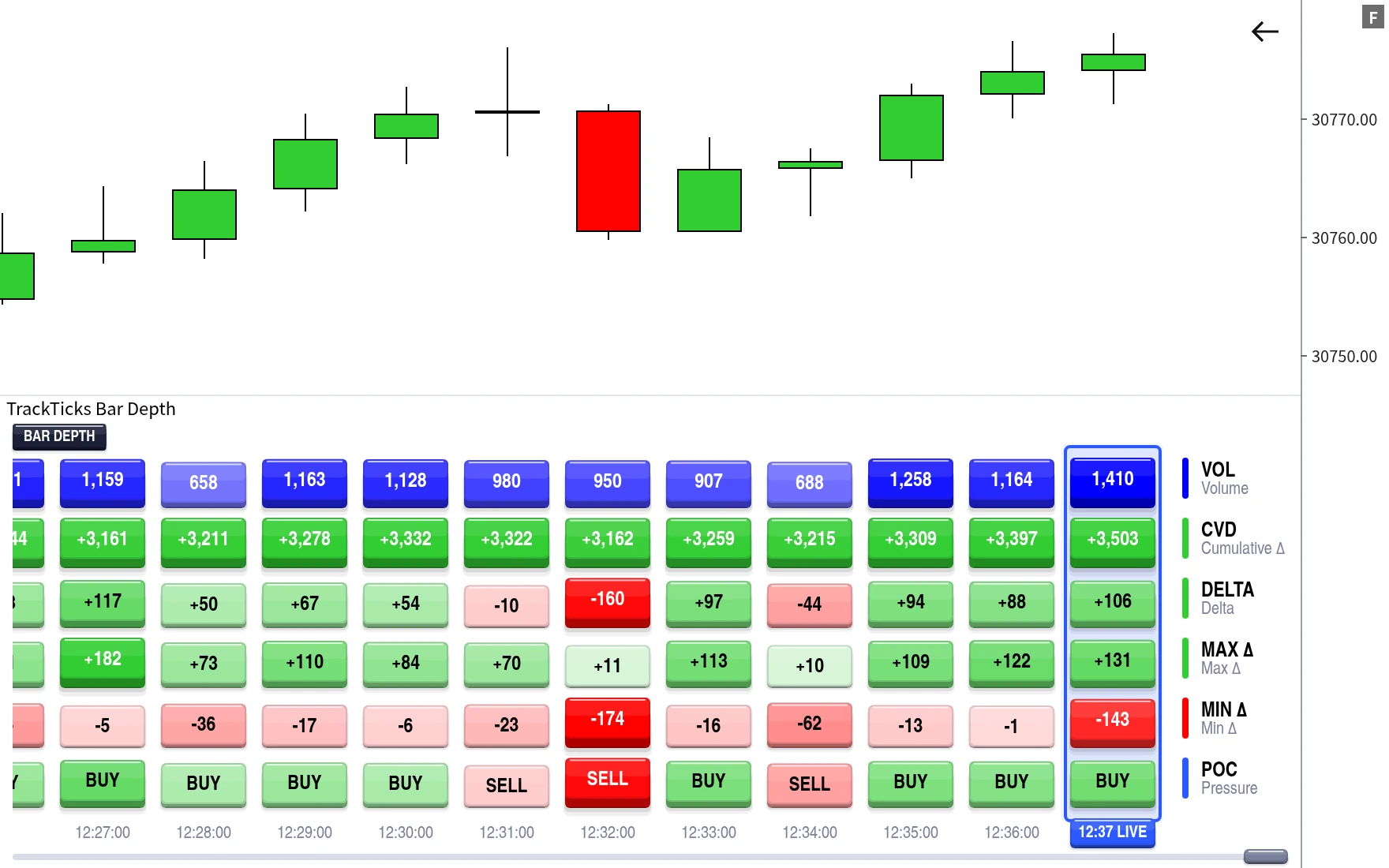
A live, per-bar order-flow statistics strip, built on its own tick-by-tick engine, running on any standard chart.
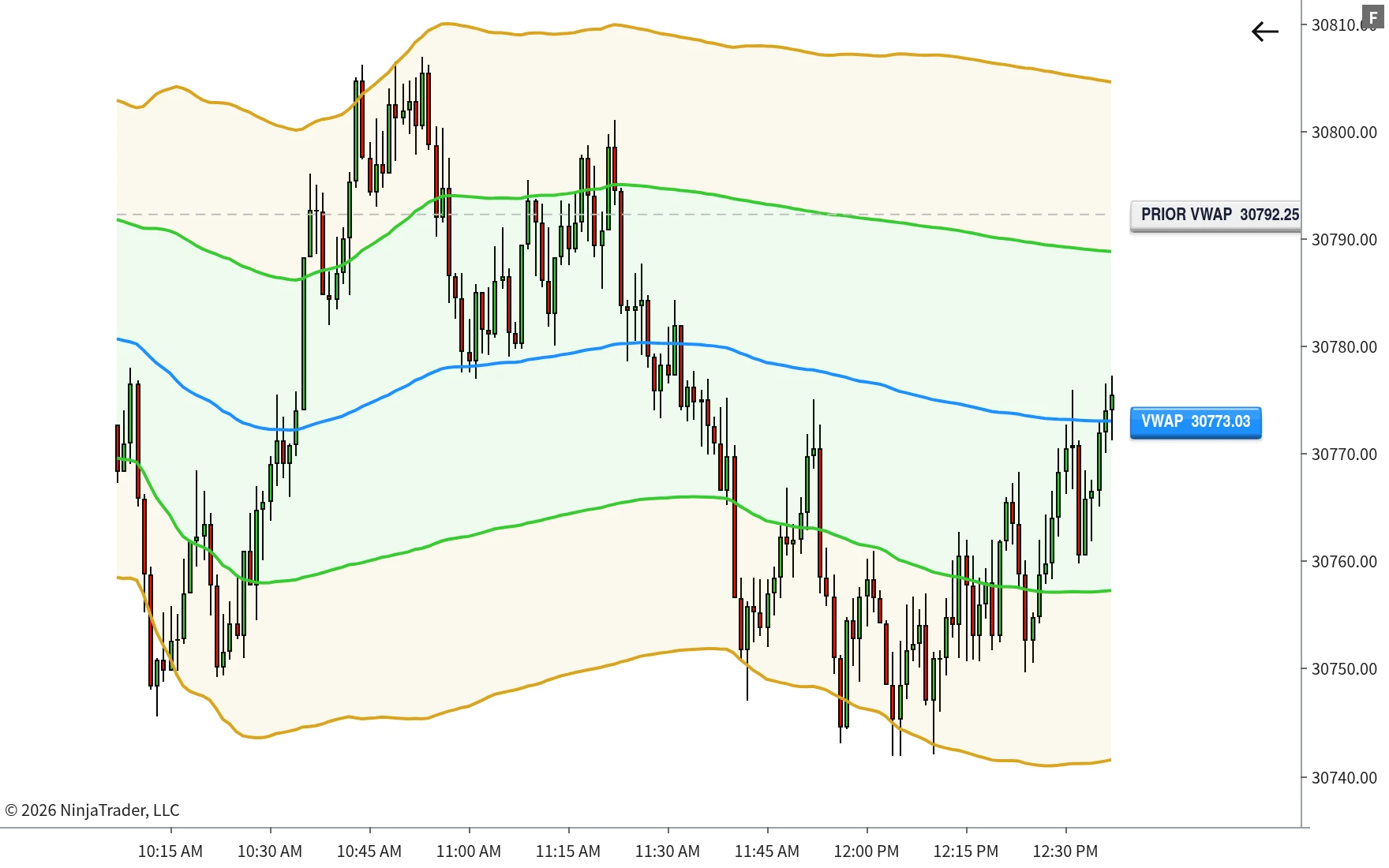
A fully custom, multi-session VWAP with independent deviation bands and a prior-session reference line.
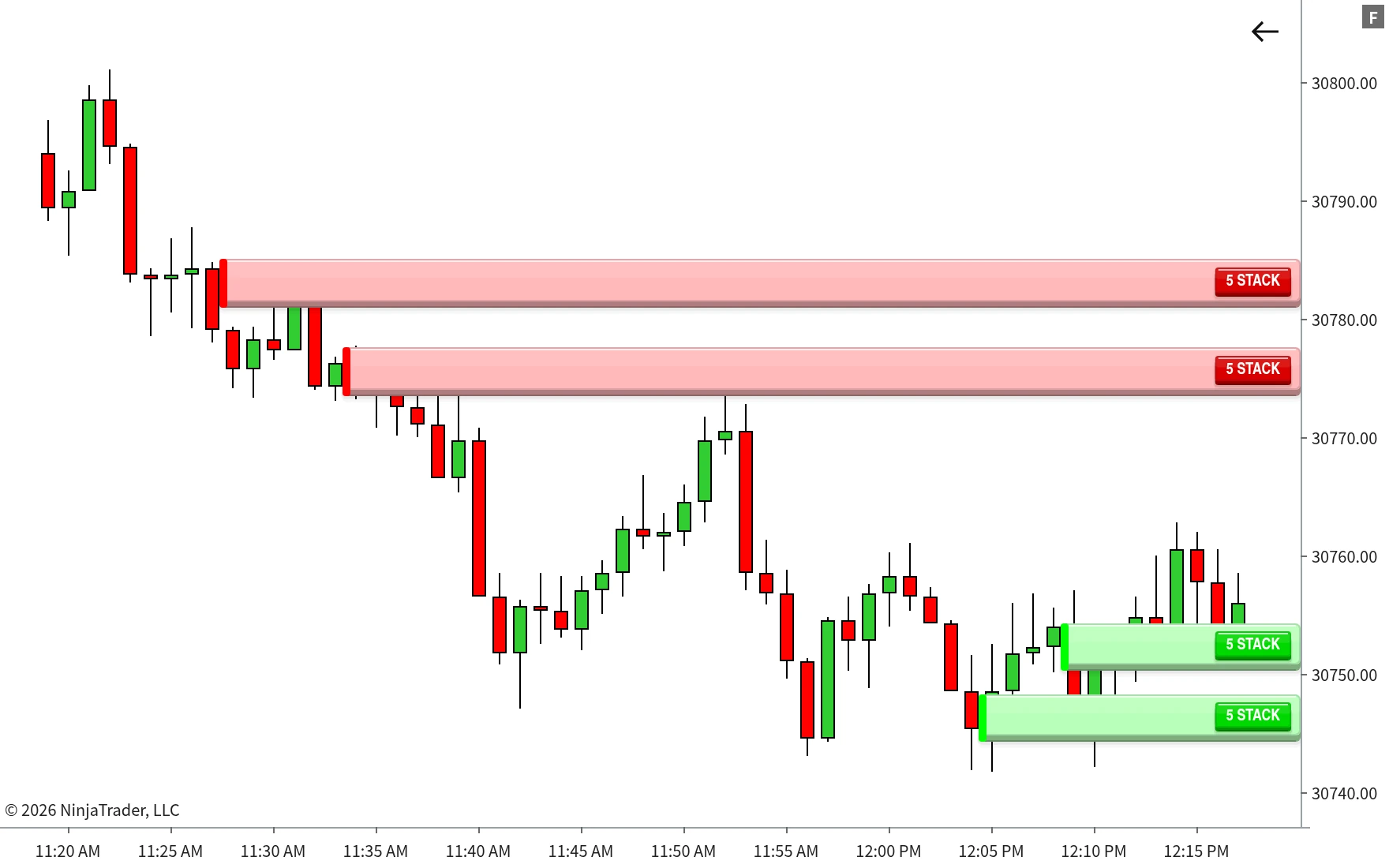
Automatically detects and maps stacked bid/ask imbalances directly on your chart as they form, price level by price level.
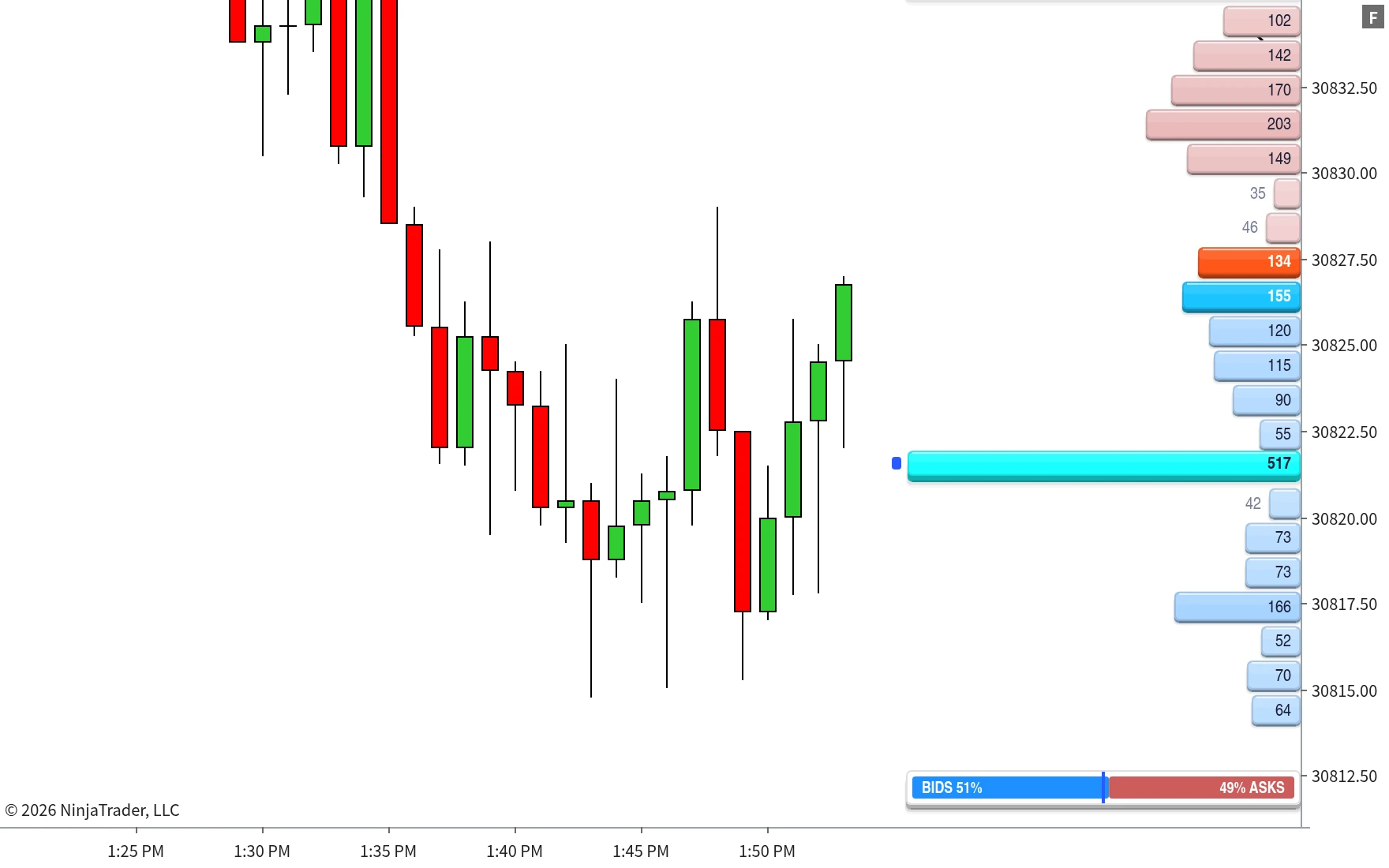
The live order book drawn beside price: resting bids and offers at every level, sized to scale, with large orders flagged the moment they appear.
Built, updated, and traded daily by the same person.
“I use these indicators on my own charts to read futures order flow on NinjaTrader 8, so an issue left unfixed costs me real money. I find them in my own trading and fix them, and that fix reaches every subscriber quickly.”
No tiers, no per-indicator pricing. Every subscriber gets all 6, plus any new indicator we add to the suite later. Start with a 7-day free trial, or save 58% with annual billing.
Built and tested to be compatible with NinjaTrader 8. A license key is generated per subscription and tied to your machine ID.
Big Print, Bar Depth, Profile+, and Stacked Imbalance all read real trade-by-trade order flow, so full accuracy needs a data feed providing CME Level 1 data. All four also need Tick Replay enabled on the chart's data series for accurate detection on historical bars, not just live going forward from when they're attached. Market Depth reads the live order book, so it needs a feed providing Level 2 market depth, and it is only really useful with a feed that gives access to the whole order book: NinjaTrader's standard Level 2 typically shows around 20 price levels either side. VWAP+ works on any standard OHLCV data with no special feed required. If your feed doesn't provide CME Level 1 data, the order-flow indicators fall back to a midpoint-based classification.
Built and tested for futures contracts in NinjaTrader 8 (ES, NQ, CL, GC, and similar). The order-flow indicators need a feed providing CME Level 1 data for full accuracy.
Email support with your account details and we'll deactivate the old machine ID and issue a fresh one, no extra charge, no waiting on a new billing cycle.
We test against current NinjaTrader 8 releases and update the suite as needed to stay compatible. If a NinjaTrader update causes an issue, that fix goes out to all active subscribers as part of your existing plan.
Live data is never repainted: once a trade prints, its classification and anything built from it (a marker, a count, a bar's stats) stays as calculated. The one exception is historical bars on Big Print, Bar Depth, Profile+, and Stacked Imbalance, those from before the indicator was running and capturing real tick data, or before Tick Replay was enabled. Those use a documented, clearly-disclosed estimate rather than true tick-by-tick data, since NinjaTrader doesn't provide real historical bid/ask otherwise. Nothing live is ever smoothed, adjusted, or changed after the fact.
Stacked Imbalance maps runs of consecutive bid/ask imbalances directly on your chart as they form, and extends each one forward as a zone until price deals with it. Market Depth draws the live order book beside price, so you can see where liquidity is resting before it trades. Both are included in the suite for every active subscriber, no extra charge.
Check out our Order Flow Glossary for plain-English definitions of every term used across the suite, from footprint charts to Cumulative Delta.
You start the monthly plan and get full access to all 6 indicators straight away, with nothing held back. Your card is saved at signup but not charged. If you cancel before day 7 you are never charged anything. If you do nothing, the subscription starts automatically at $19.99/month on day 7, and we email you a reminder before that happens so there are no surprises.
Yes, $99.99/year, billed once annually. That's 58% less than paying $19.99/month all year, and it renews automatically until you cancel, same as the monthly plan. The annual plan is charged today rather than after a trial, so the 7-day free trial is a monthly-only offer.
No, the suite is sold as a single bundle. One subscription gets you all 6 indicators, plus anything new we add to the suite later, at no extra cost.
Yes. The monthly plan starts with 7 days free, so you can run the full suite live on your own charts before paying anything. A card is required at signup so your subscription can continue without interruption, but it isn't charged until day 7, and cancelling before then costs you nothing.
Cancel during the 7-day trial and you are never charged, with no obligation at all. Cancel later and your license deactivates at the end of the billing period you have already paid for, no partial refunds, but no lock-in either. Either way it is one click in the Stripe customer portal, no email required and no cancellation questions to answer.
The 7-day free trial exists so you can evaluate the suite before paying anything. After that, TrackTicks is a digital product delivered instantly as a license key, so we generally don't offer refunds once a billing period has started, except where required by law. Cancelling stops future billing but doesn't refund the current period. Full details are on our Refund & Cancellation Policy page.
Yes. Bugs get fixed as they come up for as long as you're subscribed, and any new indicators we add to the suite later are included automatically. You never pay extra to stay current.
Email support and we'll investigate. Fixes for confirmed bugs are rolled into the suite for every subscriber, not sold as a separate patch or update fee.
Email support is included with every subscription. We aim to respond quickly to setup issues, licensing problems, and questions about how to configure or read any of the 6 indicators.
Run all 6 indicators live on your own NinjaTrader 8 charts free for 7 days. Cancel during the trial and you won't be charged.
TrackTicks's indicators are charting and data-visualization tools. They display historical and real-time trade, volume, and order-flow data. They do not generate buy or sell signals, do not predict future price movement, and are not a substitute for your own analysis, judgment, or risk management.
Nothing on this site or in any TrackTicks indicator, its settings, or its description constitutes financial, investment, or trading advice, and past order-flow, volume, or price behavior shown does not guarantee or indicate any future outcome. Trading futures carries a substantial risk of loss and is not suitable for everyone; you are solely responsible for your own trading decisions.
Accuracy depends entirely on the completeness and timeliness of data supplied by your NinjaTrader connection, data feed, and broker. TrackTicks cannot verify, correct, or guarantee the accuracy of third-party data. Software is provided "as is," without warranty of any kind, express or implied. Performance and available features may vary by NinjaTrader version, instrument, and data feed.
Risk Disclosure: Futures and forex trading contains substantial risk and is not for every investor. An investor could potentially lose all or more than the initial investment. Risk capital is money that can be lost without jeopardizing ones' financial security or lifestyle. Only risk capital should be used for trading and only those with sufficient risk capital should consider trading. Past performance is not necessarily indicative of future results.
Hypothetical Performance Disclosure: Hypothetical performance results have many inherent limitations, some of which are described below. No representation is being made that any account will or is likely to achieve profits or losses similar to those shown; in fact, there are frequently sharp differences between hypothetical performance results and the actual results subsequently achieved by any particular trading program. One of the limitations of hypothetical performance results is that they are generally prepared with the benefit of hindsight. In addition, hypothetical trading does not involve financial risk, and no hypothetical trading record can completely account for the impact of financial risk of actual trading; for example, the ability to withstand losses or to adhere to a particular trading program in spite of trading losses are material points which can also adversely affect actual trading results. There are numerous other factors related to the markets in general or to the implementation of any specific trading program which cannot be fully accounted for in the preparation of hypothetical performance results and all which can adversely affect trading results.
Live Trade Room Disclosure: This presentation is for educational purposes only and the opinions expressed are those of the presenter only. All trades presented should be considered hypothetical and should not be expected to be replicated in a live trading account.
Testimonial Disclosure: Testimonials appearing on this website may not be representative of other clients or customers and is not a guarantee of future performance or success.